Managing Sparkle Overload
Establishing guidance for how and when to indicate AI functionality in Microsoft's web products
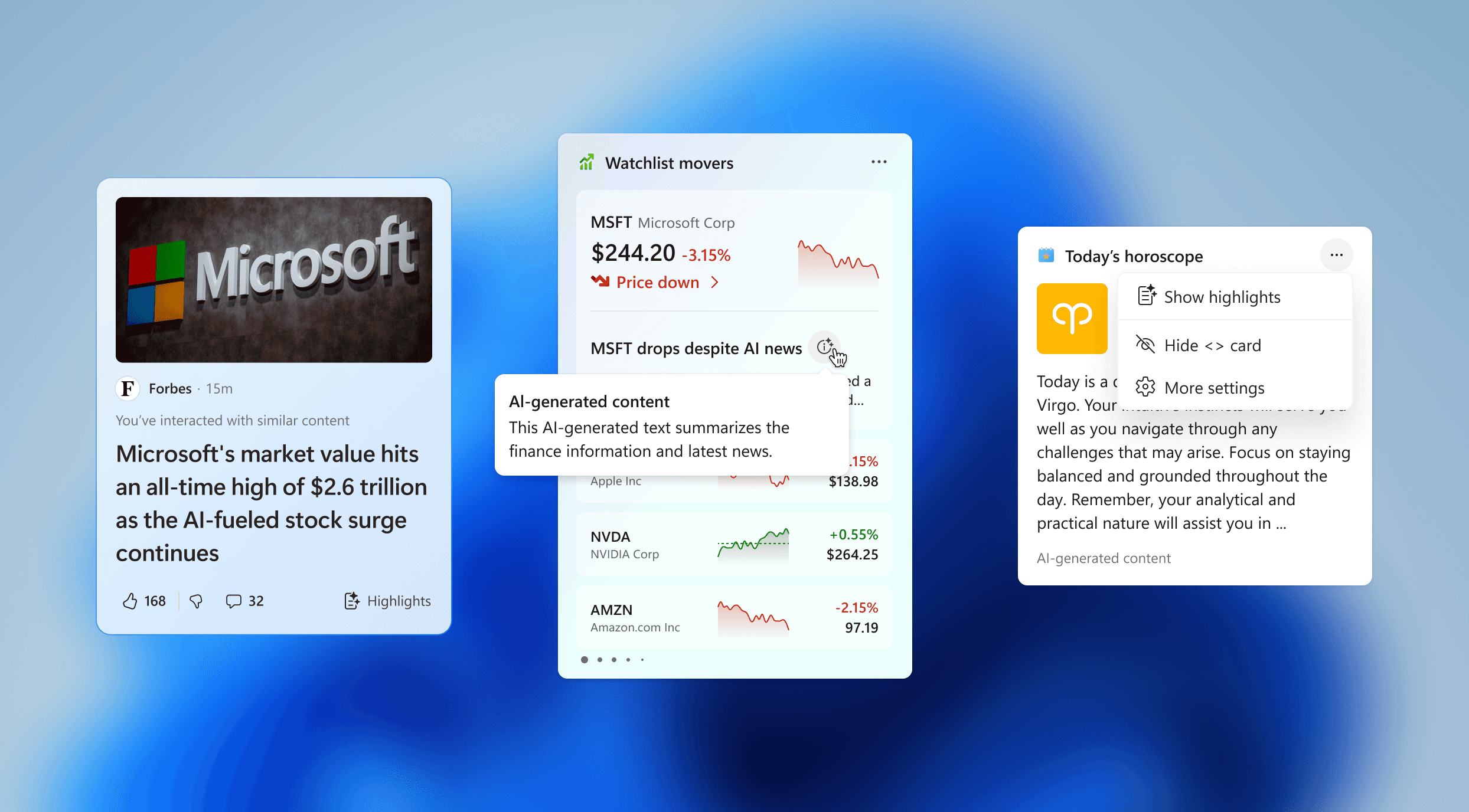
As Microsoft incorporated AI functionality into its web products, feature design teams began applying visual indicators to their experiences to highlight AI-generated content. This often showed up in the form of the "AI Sparkle" that has become so prevalent in the use of AI products over the past couple years. Leadership wanted to avoid the use of this icon mark in order to differentiate Microsoft products from what has become a cliche and overused symbol in the market.
I collaborated with UX writers to create this documentation and guidance for how and when to apply AI indicators across our web experiences.
Start with an Audit
This process began by reaching out to designers from each product area within the org for examples of content or UI elements that were intended to indicate or label AI-functionality in desktop and mobile.
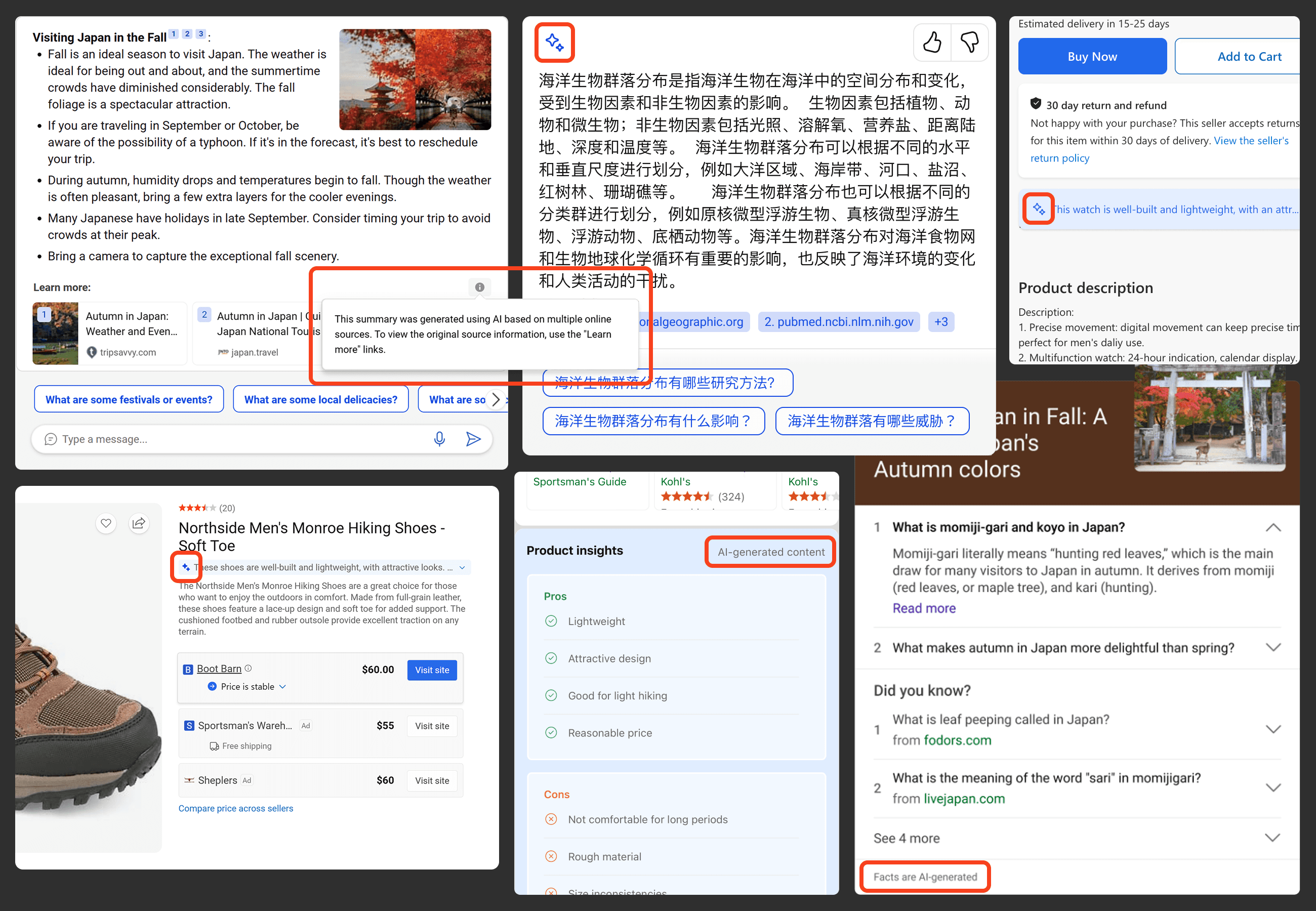
From there, the scenarios were grouped in order to start to define a system for the most common use cases for AI-indicators within our web experiences.
Establishing Higher-Level Guidance
As we began to define a system, we established higher-level principles to guide the use of AI-indicators.
Be rigorous: Confirm that an AI-indicator is absolutely necessary for a given experience. When in doubt, don’t apply one.
Prioritize coherence: As these indicators could potentially show up across different areas of the web experiences team, apply styles based on the relevant design system.
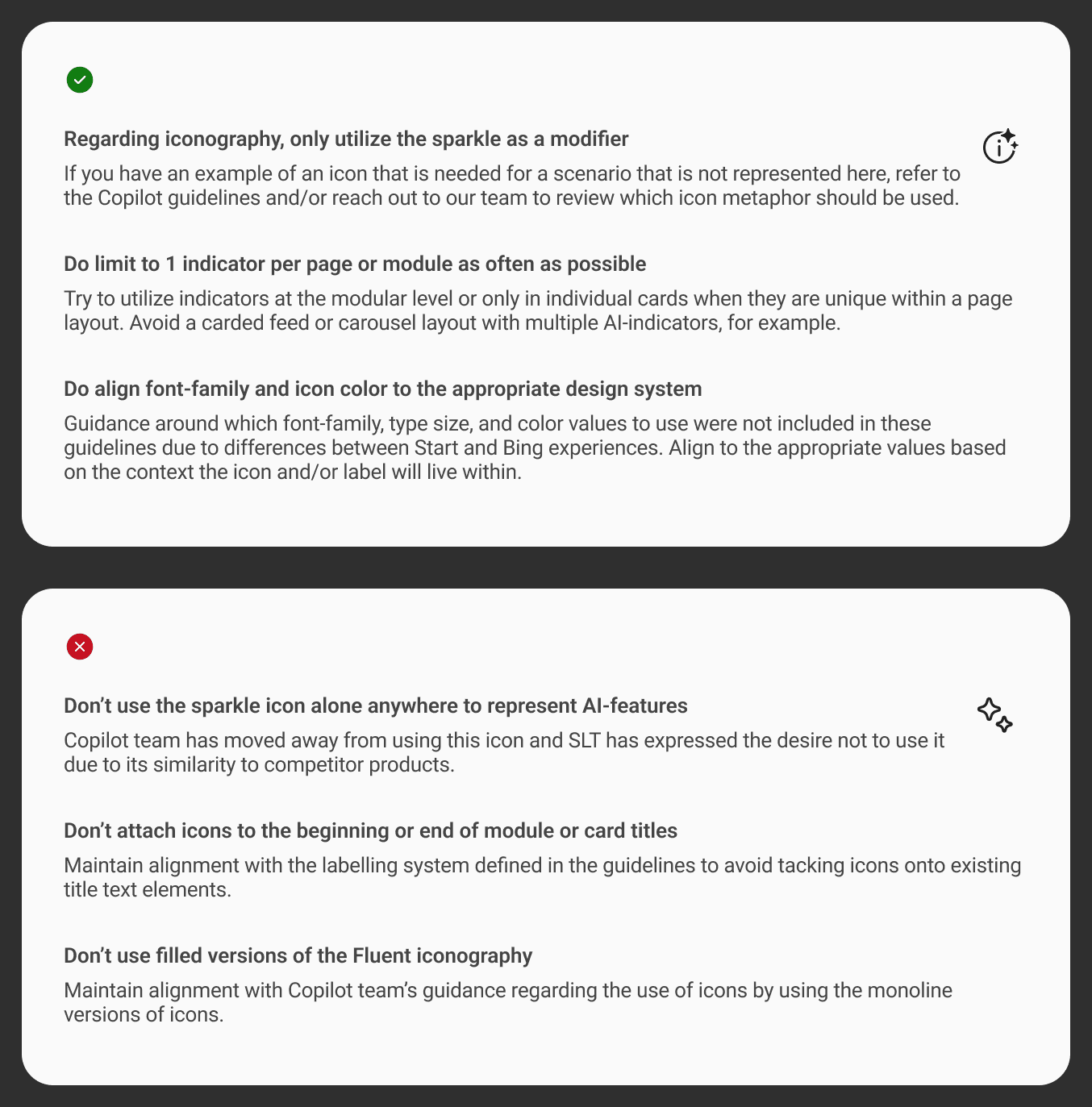
And to make guidance more accessible, we documented quick-takeaway "Do's & Dont's" for partner teams to easily consume.
Documenting Common Scenarios
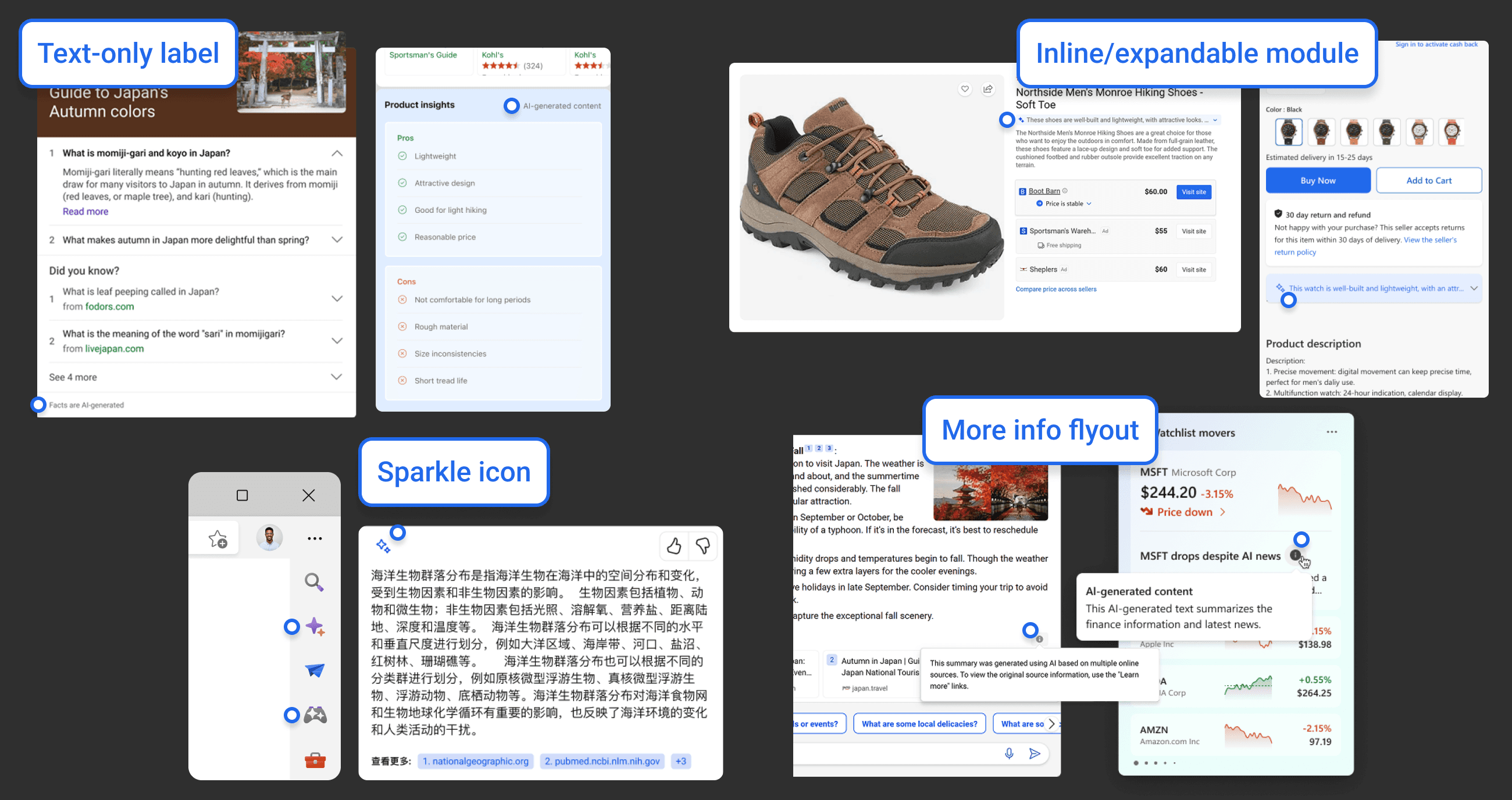
The next step was to establish and document the most common scenarios for applying AI indicators, and account for both desktop and mobile guidelines.
View full documentation >
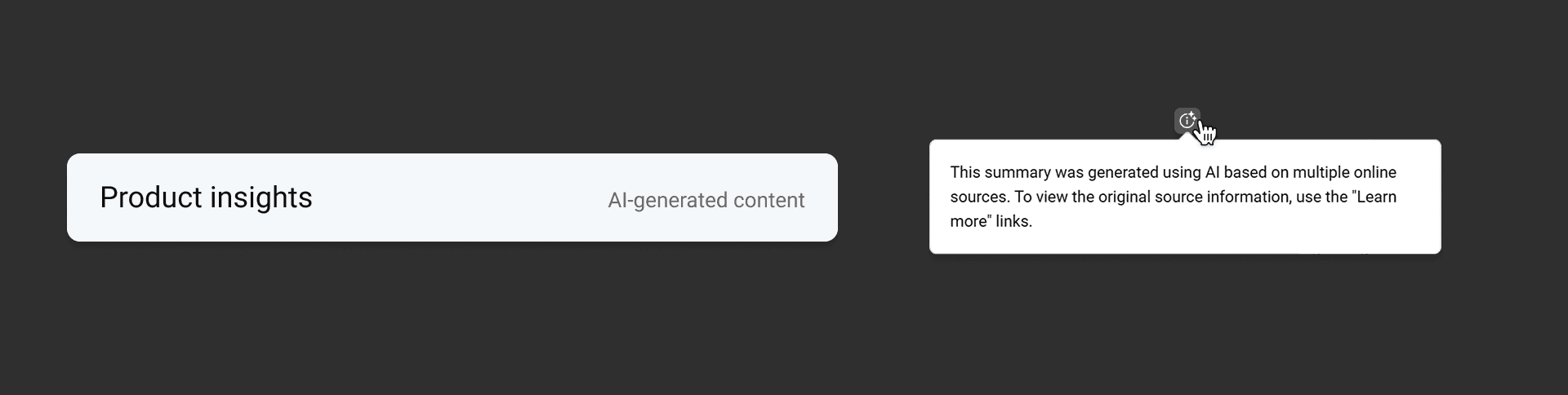
Standard Annotation
A general text label for any experience, module, or card.
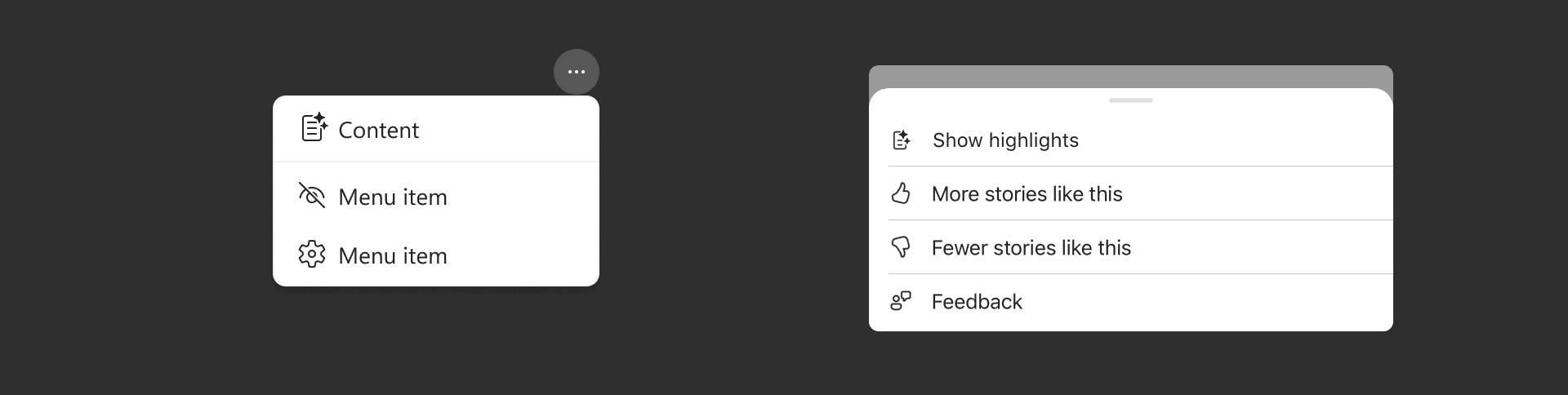
Menu Action Item
An interactive element to perform an action like producing an AI-generated summary.
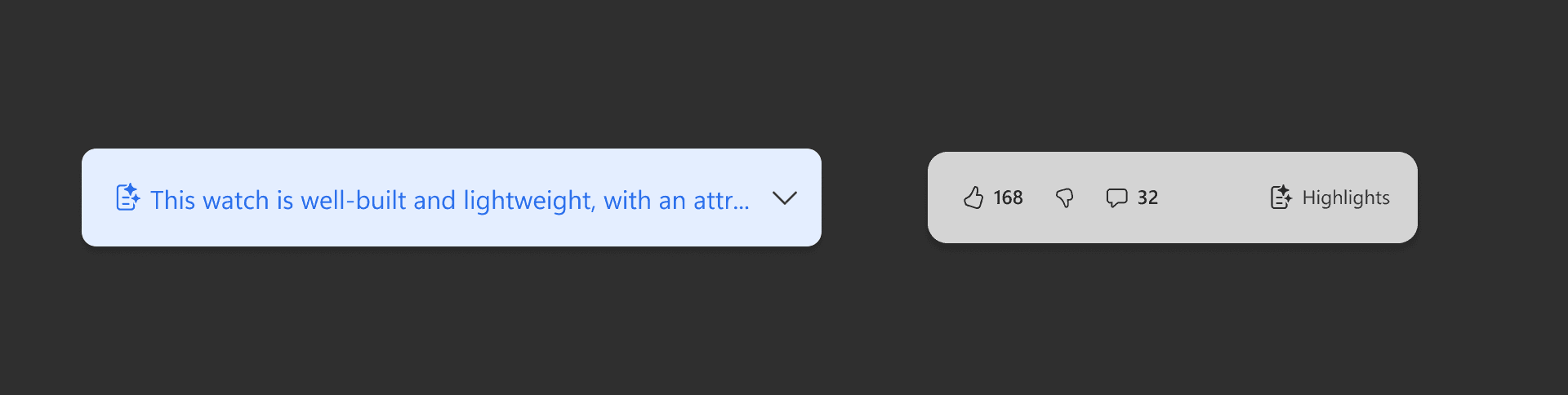
Module Expansion
An interactive expansion element for features that generate or reveal a summary or text module that has been generated by AI.
These guidelines were established as the point of view across the studio for applying AI labels and indicators, and were shared out to partner teams in visual system meetings and office hours. We also considered the easiest way to host this documentation.
Interactive Decision Tree
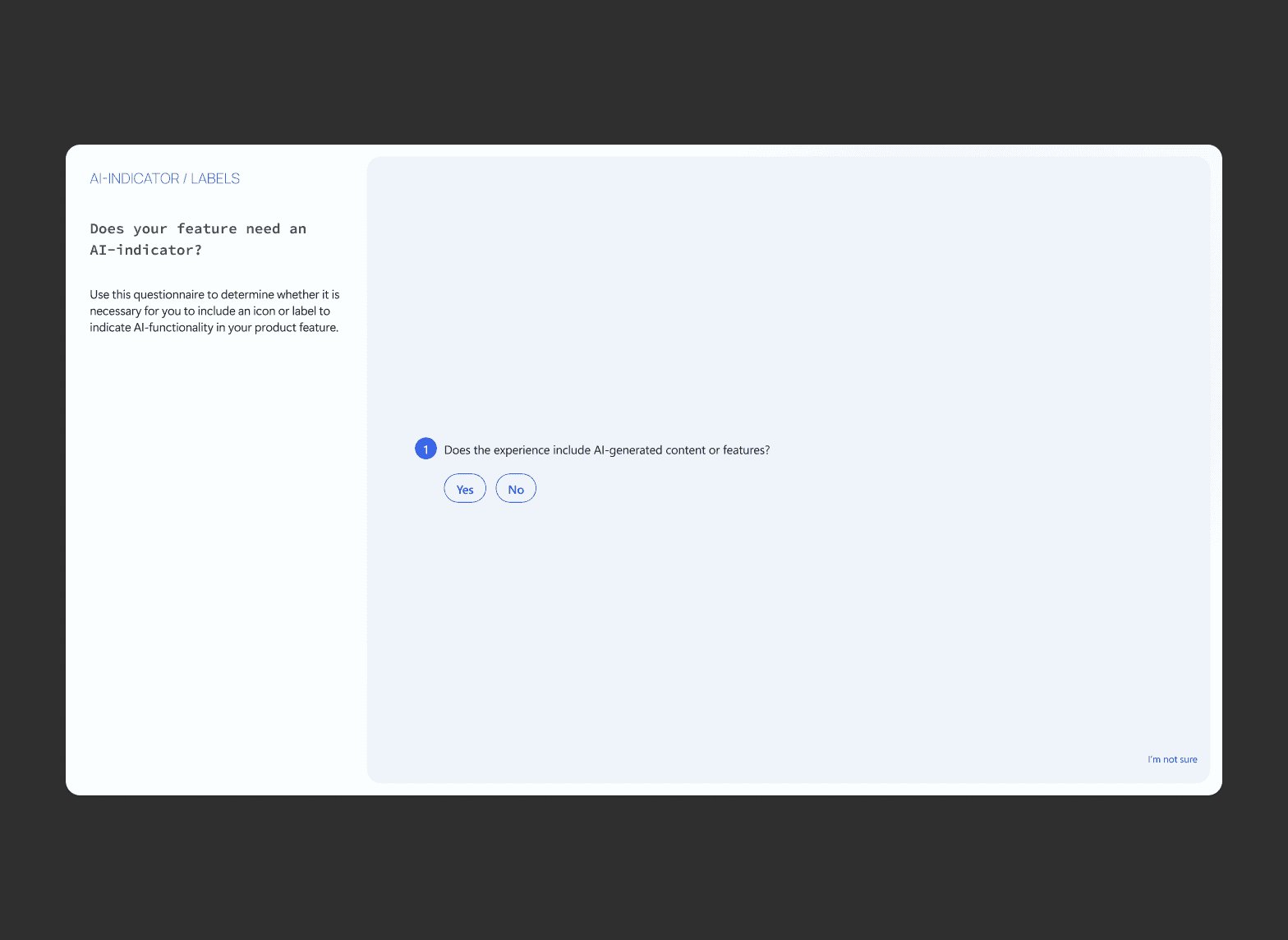
We converted the guidelines for this documentation in to an interactive decision tree to make it as accessible as possible. With this approach we could allow PMs, devs, and designers to easily find whichever treatment was appropriate for their individual feature without having to dig through documentation or reach out directly to our team.
Try it >